Vendor Spend Analysis for Controllers: Find Cost Pressure Before It Hits the Close
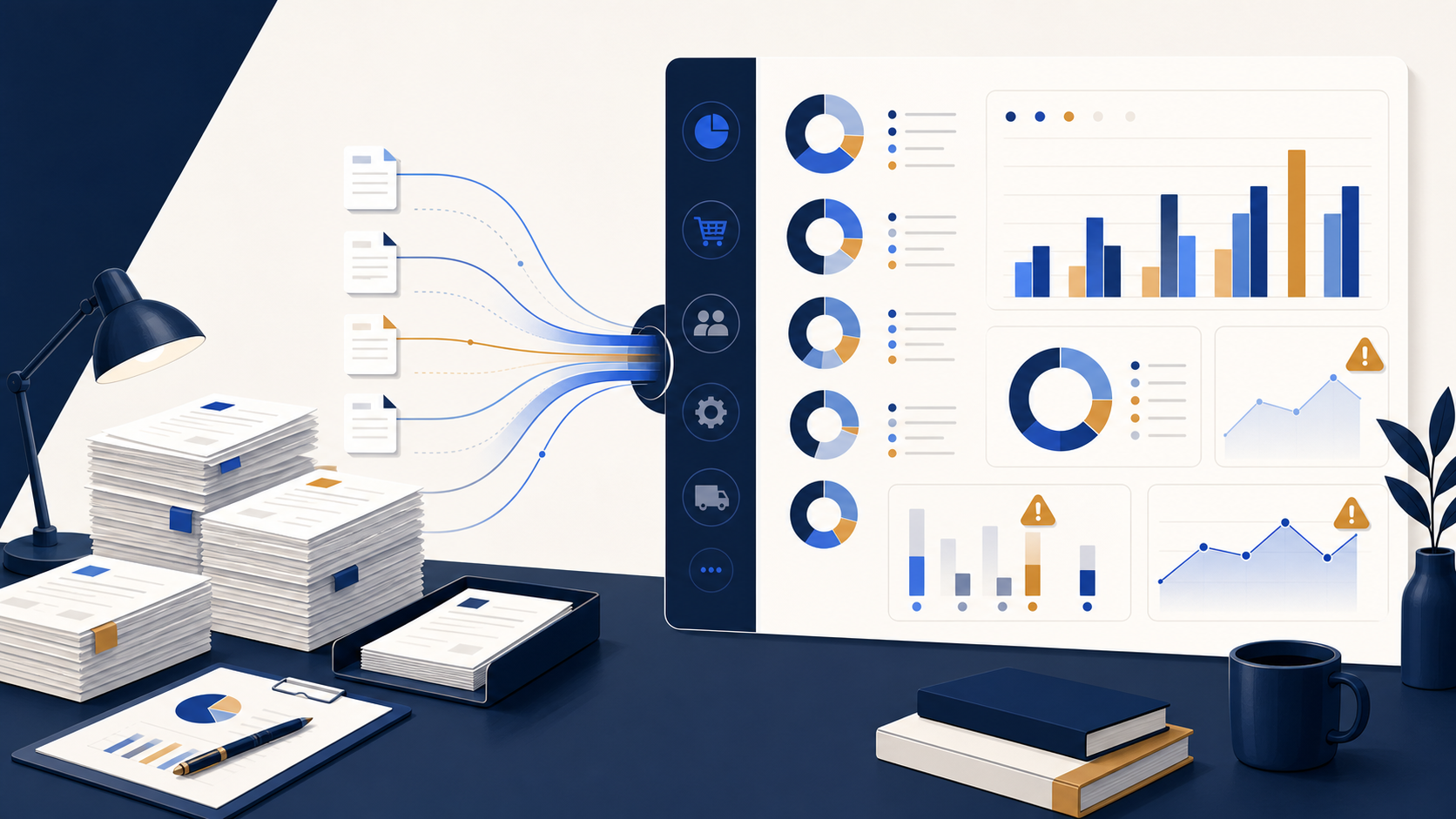
Vendor spend analysis is the discipline of turning accounts payable detail into a short list of questions finance can act on. It is not just procurement reporting. For controllers, it is an early warning system for cost pressure, duplicate vendors, missing approvals, and unusual movements that can delay a clean close.
Start with a decision, not a dashboard
Before exporting invoices, define the decisions the review should support: Which vendors increased materially? Which categories exceed budget? Are there duplicate vendor names, duplicate invoice numbers, or payments outside agreed terms? A report without a decision owner is usually just another spreadsheet.
The minimum data set
Use invoice date, vendor name, document number, entity, account or category, department, amount, approver, payment date, and purchase order or contract reference where available. Normalize vendor names first. ACME Inc., Acme Incorporated, and ACME should not appear as three suppliers in the result.
Four checks that pay off quickly
- Vendor concentration. Rank vendors by spend and compare the top group with the prior period.
- Category variance. Compare actual spend with budget or the prior month, then separate timing from a real run-rate change.
- Duplicate risk. Flag same vendor, invoice number, and amount combinations before payment or during review.
- Cross-entity visibility. Compare shared vendors across entities to identify inconsistent coding or fragmented purchasing.
Keep the review auditable
Every exception should have a status, owner, explanation, and resolution date. A material increase may be expected because of an annual renewal. It is still a review item until the contract or approval is attached. That small discipline prevents recurring questions at the end of the close.
How this connects to reporting
A vendor view is strongest when it reconciles to the general ledger and can be compared across entities. Map each expense account to a stable reporting category, use the same threshold policy each month, and make sure the AP total agrees with the expense and payable movements you expect.
For teams consolidating several QuickBooks Online companies, FinBoard helps standardize reporting after the underlying accounts and entities are mapped. The goal is a faster explanation of what changed, not another manual export.
Next steps
Use this review alongside the Accounts Payable Aging Template and the audit-ready controls guide. For multi-entity reporting consistency, start with the Chart of Accounts Mapping Template.