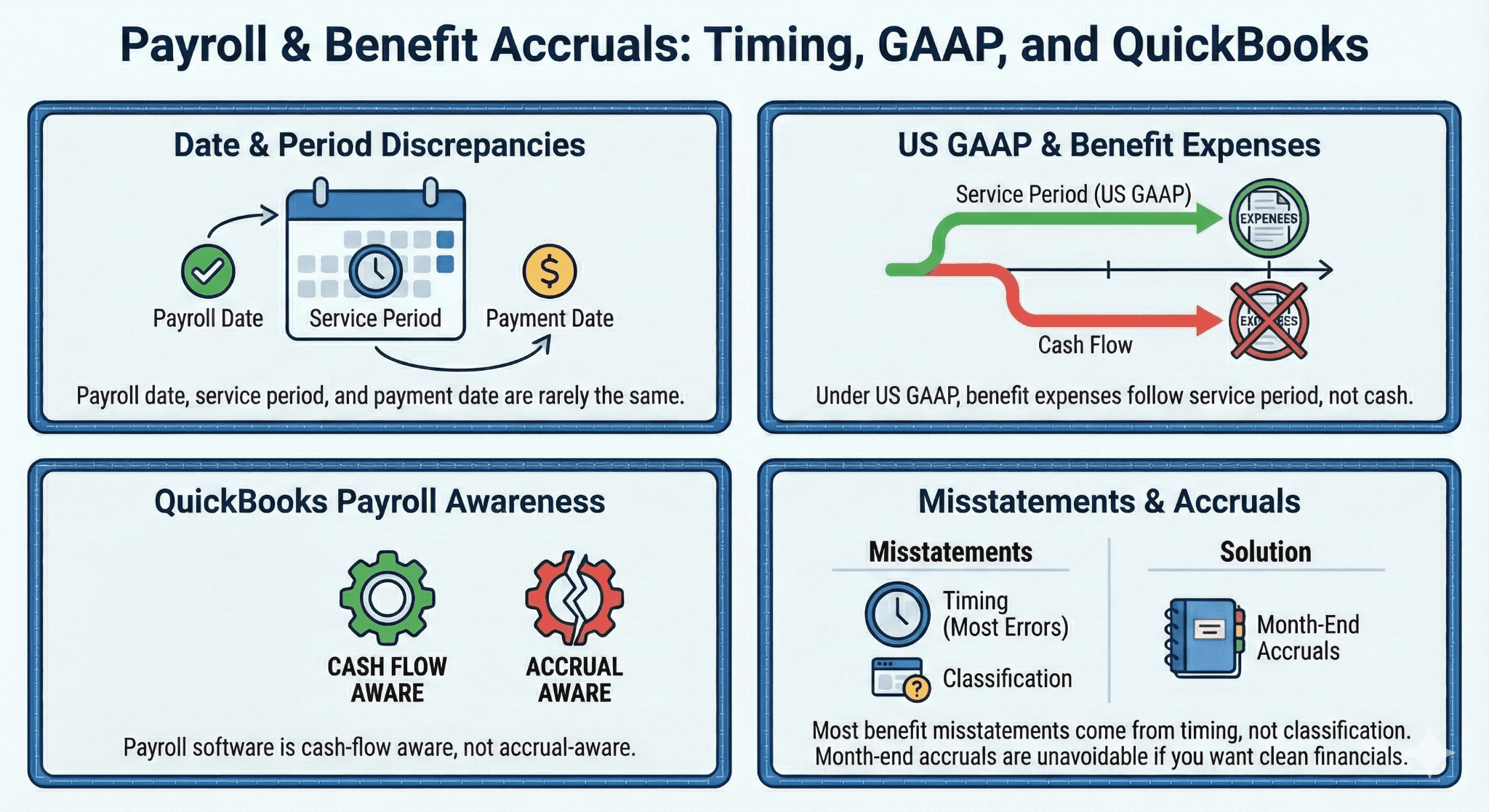
Payroll date, service period, and payment date are rarely the same.
Under US GAAP, benefit expenses follow service period, not cash.
QuickBooks Online payroll is cash-flow aware, not accrual-aware.
Most benefit misstatements come from timing, not classification.
Month-end accruals are unavoidable if you want clean financials
.
Executive Summary
Even when employee benefits are classified correctly, financials still go wrong because of timing. Payroll runs on a date. Benefits are earned over a period. Vendors are paid later. QuickBooks Online connects none of these dots automatically.
The result is predictable. Expenses shift between months. Liabilities linger or disappear unexpectedly. Controllers struggle to explain fluctuations that have nothing to do with actual headcount or benefit changes.
This is not a payroll problem. It is an accrual accounting problem.
QuickBooks Online Online payroll processes transactions when they occur. US GAAP requires recognizing expenses when obligations arise. Those two timelines almost never align for benefits.
This article explains how benefit timing should work under US GAAP, how QuickBooks Online actually behaves, where users get trapped, and how to implement a clean, repeatable accrual process without building a monster spreadsheet.
Why Timing Is the Real Enemy in Benefit Accounting
Most accountants understand the difference between employee-paid and employer-paid benefits. Timing is where discipline breaks down.
Common assumptions that cause errors:
“Payroll was run in March, so the expense belongs in March.”
“The insurance bill was paid in April, so expense it in April.”
“QuickBooks Online payroll already handled this.”
All three are wrong under US GAAP.
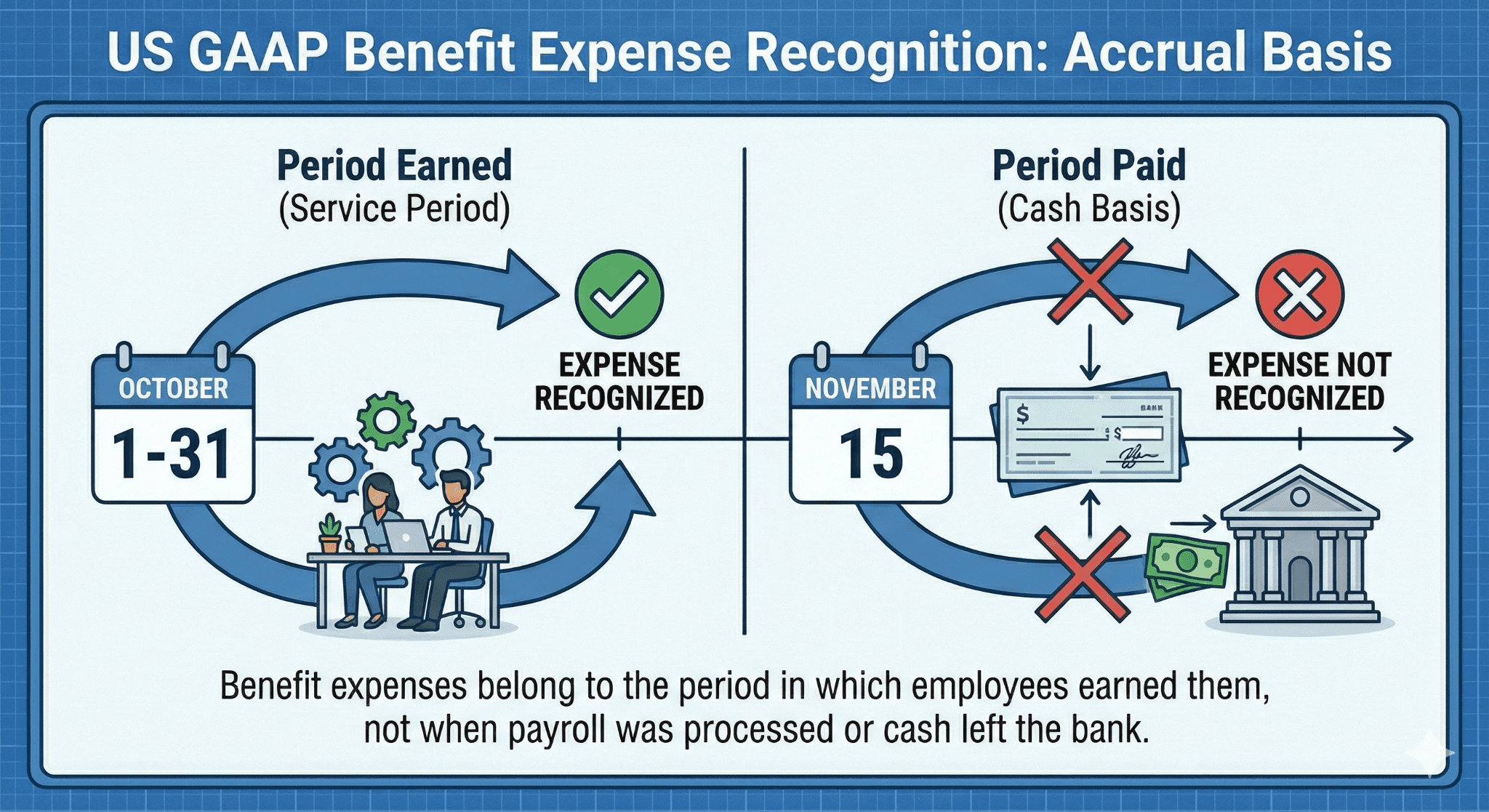
QuickBooks Online does not enforce this. It posts based on transaction dates, not service periods.
The Three Dates That Never Match
Every benefit transaction has three relevant dates:
Service Period
When employees earned the benefit.Payroll Date
When deductions and employer portions are calculated.Payment Date
When the vendor is actually paid.
US GAAP cares about the first one.
QuickBooks Online cares about the last two.
That mismatch creates accruals whether you want them or not.
US GAAP Rule Refresher
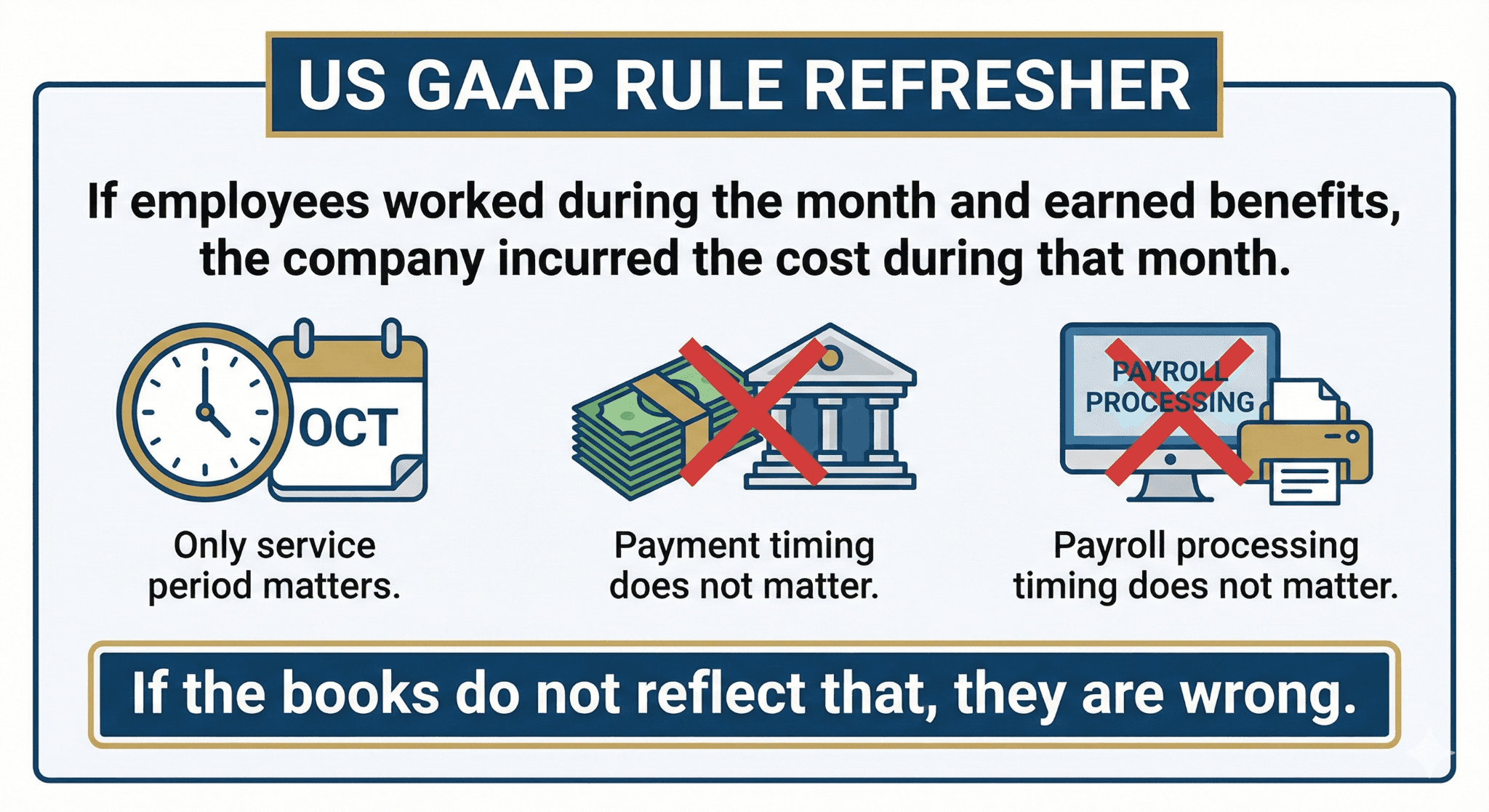
If employees worked during the month and earned benefits, the company incurred the cost during that month.
Payment timing does not matter.
Payroll processing timing does not matter.
Only service period matters.
If the books do not reflect that, they are wrong.
How QuickBooks Online Payroll Handles Timing (And Why It Is Not Enough)
QuickBooks Online payroll:
Records employer benefit expense on payroll date
Records employee deductions on payroll date
Ignores vendor service periods
Does not auto-accrue unpaid benefits
This is perfectly acceptable for payroll compliance. It is incomplete for financial reporting.
QuickBooks Online assumes you will adjust at month-end.
Most users do not.
The Most Common Timing Error: Paying Benefits Monthly but Expensing on Payment Date
Example:
Health insurance covers March
Invoice dated April 1
Payment made April 5
Expense recorded in April
Under GAAP, March is understated. April is overstated.
This happens constantly.
Why?
Because QuickBooks Online encourages coding vendor bills directly to expense.
Correct GAAP Treatment for Monthly Benefits
Using the same example:
At March Month-End
Debit: Employer Benefits Expense
Credit: Accrued Benefits Payable
When Bill Is Received and Paid in April
Debit: Accrued Benefits Payable
Credit: Cash or Accounts Payable
Expense stays in March. April reflects only cash movement.
QuickBooks Online does not do this unless you tell it to.
Why Payroll Date Is Still the Wrong Anchor
Some users try to fix timing by relying on payroll date.
That also fails.
Example:
Payroll date: March 28
Coverage period: March 1–31
Payment to vendor: April 5
Payroll date is closer, but still not perfect.
If payroll runs early or late, expenses shift incorrectly.
The only reliable anchor is the service period.
Benefit Accruals You Cannot Avoid
If you issue GAAP financials, you must accrue:
Employer health insurance
Employer retirement match
Employer-paid life or disability insurance
Any benefit earned before payment
Skipping accruals because “it is small” works until it does not.
Auditors notice patterns, not just amounts.
Setting Up Accrued Benefit Liabilities in QuickBooks Online
You need at least one accrual account.
Recommended minimum:
Accrued Employee Benefits (Liability)
Optional but cleaner:
Accrued Health Insurance
Accrued Retirement Contributions
The goal is clarity, not complexity.
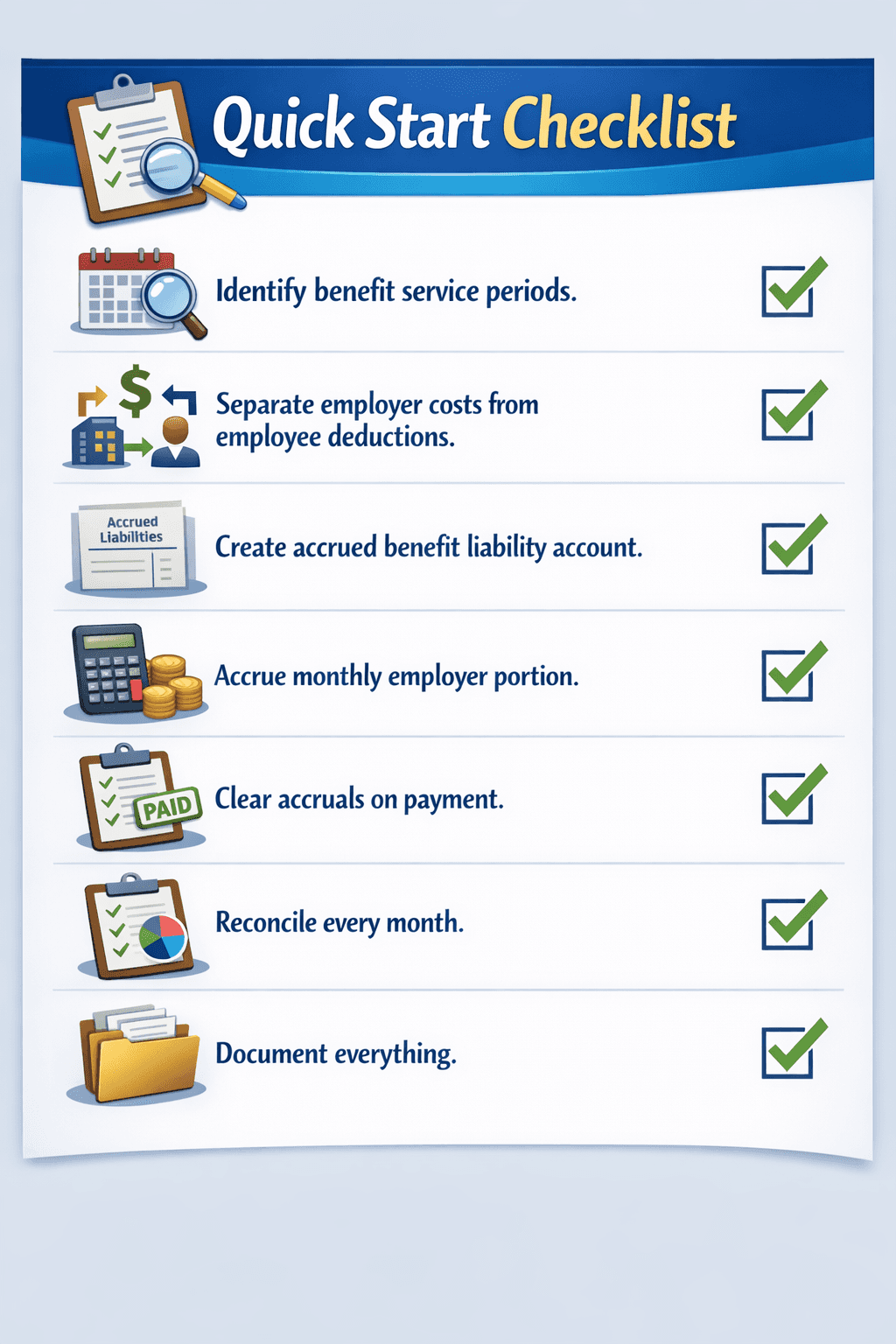
Monthly Accrual Workflow (The One That Actually Works)
This is the simplest defensible workflow for SMBs.
Step 1: Identify Coverage Periods
Know what period each benefit covers. Insurance is usually calendar-month based. Retirement matches follow payroll.
Step 2: Calculate Employer Portion
Ignore employee deductions. Focus only on employer cost.
Step 3: Record Month-End Accrual
Journal entry at close:
Debit employer benefit expense
Credit accrued benefits liability
Step 4: Reverse or Clear on Payment
When paid:
Debit accrued liability
Credit cash or AP
Expense should not be hit again.
Handling Partial Months and New Hires
Benefits rarely start exactly on the first of the month.
Common issues:
Mid-month hires
Waiting periods
Prorated premiums
QuickBooks Online will not prorate expenses correctly for GAAP.
You must.
Best practice:
Accrue based on actual coverage days
Do not blindly use invoice totals
Precision matters more here than anywhere else in payroll accounting.
Retirement Match Timing: The Silent Problem
Retirement matches are often paid weeks after payroll.
Example:
Payroll earned in March
Match calculated in March
Paid to provider in April or May
Expense belongs in March.
QuickBooks Online usually records expense when payroll is processed. Payment later is often expensed again accidentally.
Double counting is common.
Correct approach:
Payroll posts expense and liability
Provider payment clears liability
Never expense both.
Reconciling Accrued Benefits Monthly
If accruals are not reconciled, they become fiction.
Monthly checklist:
Opening accrued balance
Plus current month accrual
Minus payments
Equals ending balance
If this does not tie, something is wrong.
Do not carry unexplained balances.
Why Cash-Basis Thinking Sneaks Back In
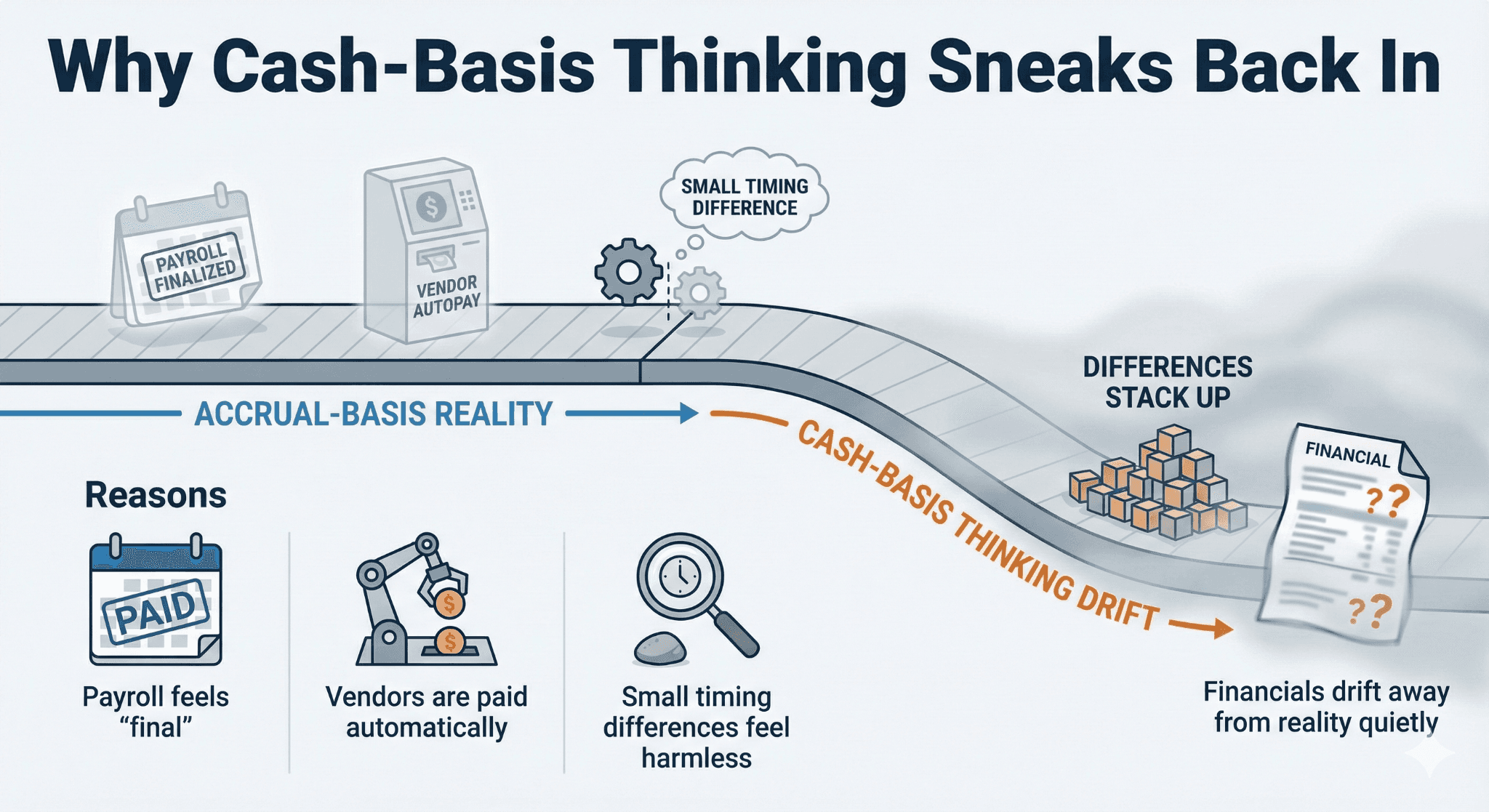
Even accrual-basis companies behave like cash-basis around payroll.
Reasons:
Payroll feels “final”
Vendors are paid automatically
Small timing differences feel harmless
Over time, these small differences stack up.
Financials drift away from reality quietly
.
Mini-Case: SaaS Company With Volatile Margins
Background
50-employee SaaS company with stable headcount.
Problem
Gross margins fluctuated month to month.
Cause
Health insurance expensed on payment date, not service period.
Fix
Monthly accrual for employer portion.
Result
Margins stabilized. Forecasts improved. Audit adjustments eliminated.
Same payroll. Same benefits. Different accounting discipline.
When You Can Skip Accruals (Rare but Real)
You may skip accruals if:
Benefits are paid within the same month
Amounts are immaterial
Financials are strictly cash basis
Most mid-market companies do not meet these criteria.
If you are issuing GAAP financials, accruals are expected.
Controller View: Why Timing Errors Matter
Timing errors affect:
EBITDA
Gross margin
Operating expense trends
Budget vs actual analysis
They make good management look bad and bad management look random.
Controllers care less about precision and more about consistency.
Accruals provide that consistency.
Tool Comparison: How People Handle This Today
Method | Accuracy | Effort | Audit Risk |
No accruals | Low | Low | High |
Manual JE monthly | High | Medium | Low |
Spreadsheet tracker | Medium | High | Medium |
High | High | Low |
QuickBooks Online users usually land in option two.
Common Audit Findings Related to Benefits Timing
Auditors often flag:
Expenses recorded on payment date
Missing accrued liabilities
Inconsistent month-end entries
Reversals not cleared
These findings are avoidable.
Documentation: Your Best Defense
Document:
Accrual methodology
Assumptions
Coverage periods
Reconciliation process
This matters more than perfection.
Auditors respect consistency and rationale.
Frequently Asked Questions
Does QuickBooks Online automatically accrue benefits?
No.
Is payroll date good enough?
No.
Can I just expense insurance when paid?
Only if cash basis.
Do auditors expect accruals?
Yes, for GAAP financials.
Is this overkill for small companies?
Not if they care about accurate margins.
Glossary
Service Period
Time during which employees earn benefits.
Accrued Liability
Expense recognized before payment.
Timing Difference
Mismatch between earning and payment.
Reversal
Clearing accrual when paid.