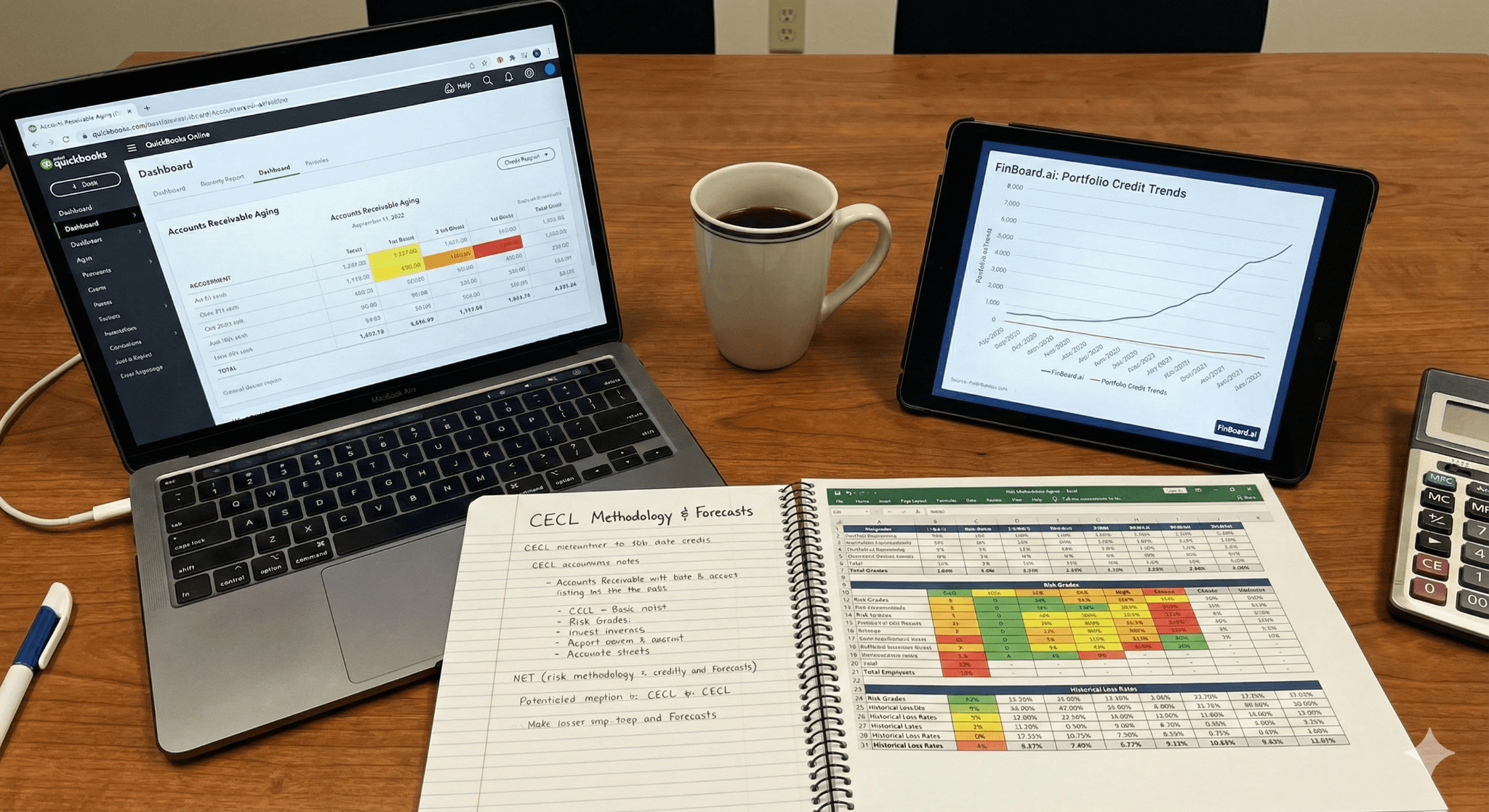
CECL (ASC 326) requires lifetime expected credit loss allowances for many financial assets, including trade receivables and contract assets.
QuickBooks Online has no native CECL calculator. Expect to extract A/R data, build a model (loss-rate or vintage), and post allowance journals in QuickBooks Online.
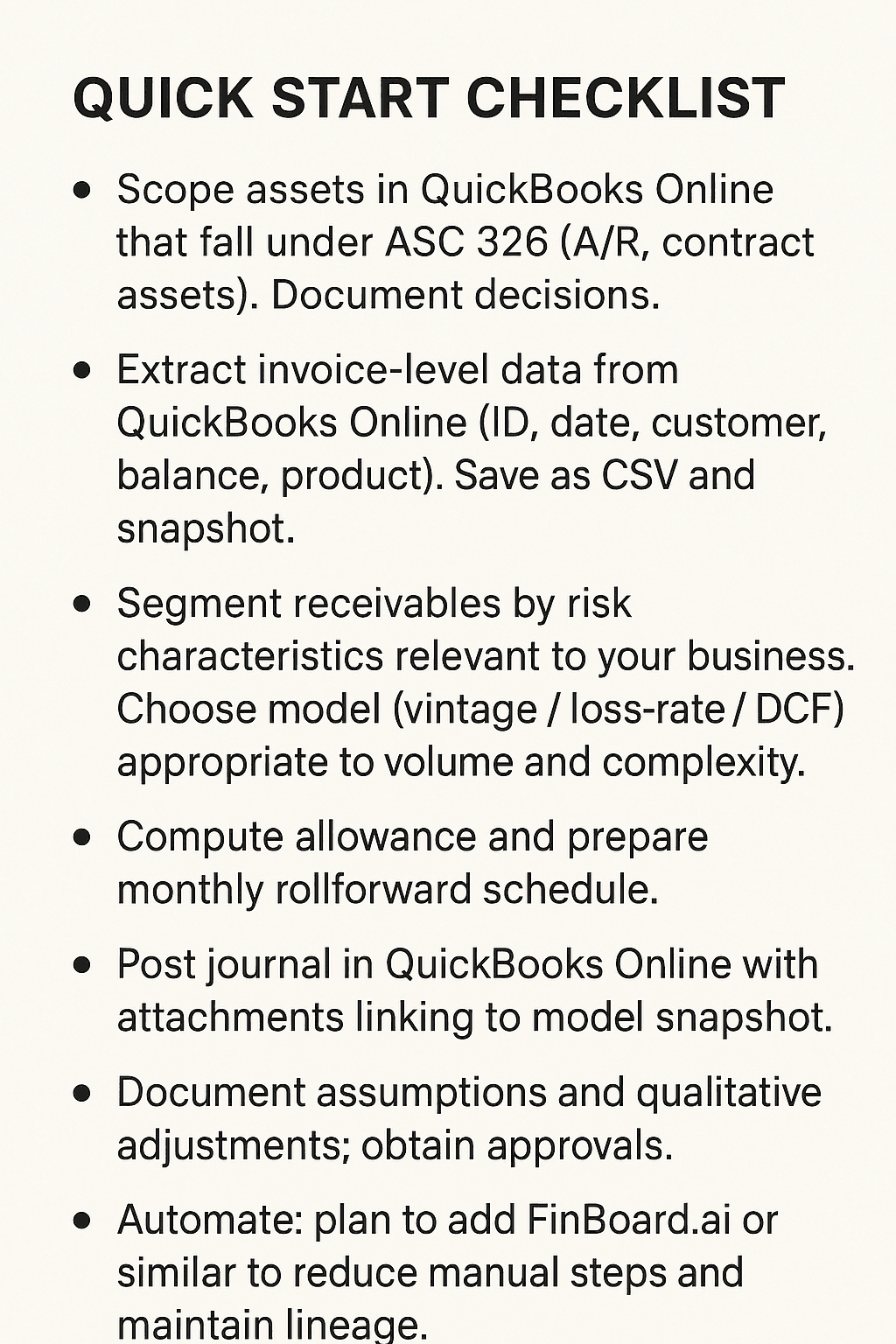
Segment receivables, document forecasts and qualitative adjustments, and retain an invoice-level audit trail.
For small portfolios, Excel with disciplined controls works. For scale, add an automation layer such as FinBoard.ai to reduce risk and speed monthly rollforwards.
Executive summary
ASC 326 (CECL) changed the game for credit losses. Where the incurred loss model delayed recognition, CECL asks organizations to estimate expected lifetime losses on day one and update those estimates each reporting period. For QuickBooks Online users this creates two practical challenges. First, QuickBooks Online is not engineered for lifetime expected credit loss calculations. Second, CECL demands data, judgment and an audit trail that goes beyond routine A/R reconciliation. The good news is that practical, scalable approaches exist. Start by scoping which QuickBooks Online balances fall under ASC 326, export clean invoice-level data, segment by risk characteristics, and build a commensurate model — loss-rate or vintage. Use disciplined journals, monthly rollforwards and clear documentation. As you grow, introduce an automation layer (for example FinBoard.ai) to reduce manual steps and maintain consistent data lineage and controls.
1. Why CECL matters to QuickBooks Online users
CECL applies broadly to financial assets measured at amortized cost, which frequently includes accounts receivable and contract assets arising from revenue contracts. That means even current receivables not yet past due may need an allowance. For QuickBooks Online users this is often a surprise. QuickBooks Online shows a single A/R balance; ASC 326 demands an allowance that reflects expected lifetime loss by portfolio or segment.
Quick action: map QuickBooks Online objects (Invoices, Credit Memos, Payments, Contract Assets) to CECL scope. Build a table that marks each item as “in scope” or “out of scope” and note the contractual term.
2. Designing a CECL model for QuickBooks Online data
Pick a model that matches complexity.
Common approaches
Loss-rate / roll-rate: Apply historical loss rates by vintage or segment to outstanding balances to estimate lifetime losses. Simpler to implement in Excel.
Vintage tables: Track cohorts by invoice month; calculate realized losses by vintage to project outstanding lifetime losses. More intuitive for trade receivables.
Discounted cash flows / PD×LGD: Used for complex or larger portfolios; needs more data and model governance.
Steps
Export clean data from QuickBooks Online. Fields: invoice_id, invoice_date, due_date, customer_id, balance, product/service type, terms, historical write-offs.
Segment receivables. Common SaaS segments: enterprise vs SMB, geography, contract term (monthly vs annual), risk profile. CECL requires common risk characteristic grouping.
Choose method. For small SaaS receivables, vintage or loss-rate often suffices.
Incorporate reasonable & supportable forecasts. For SaaS, link churn forecasts, macro assumptions, or customer specific information to the model. Document sources.
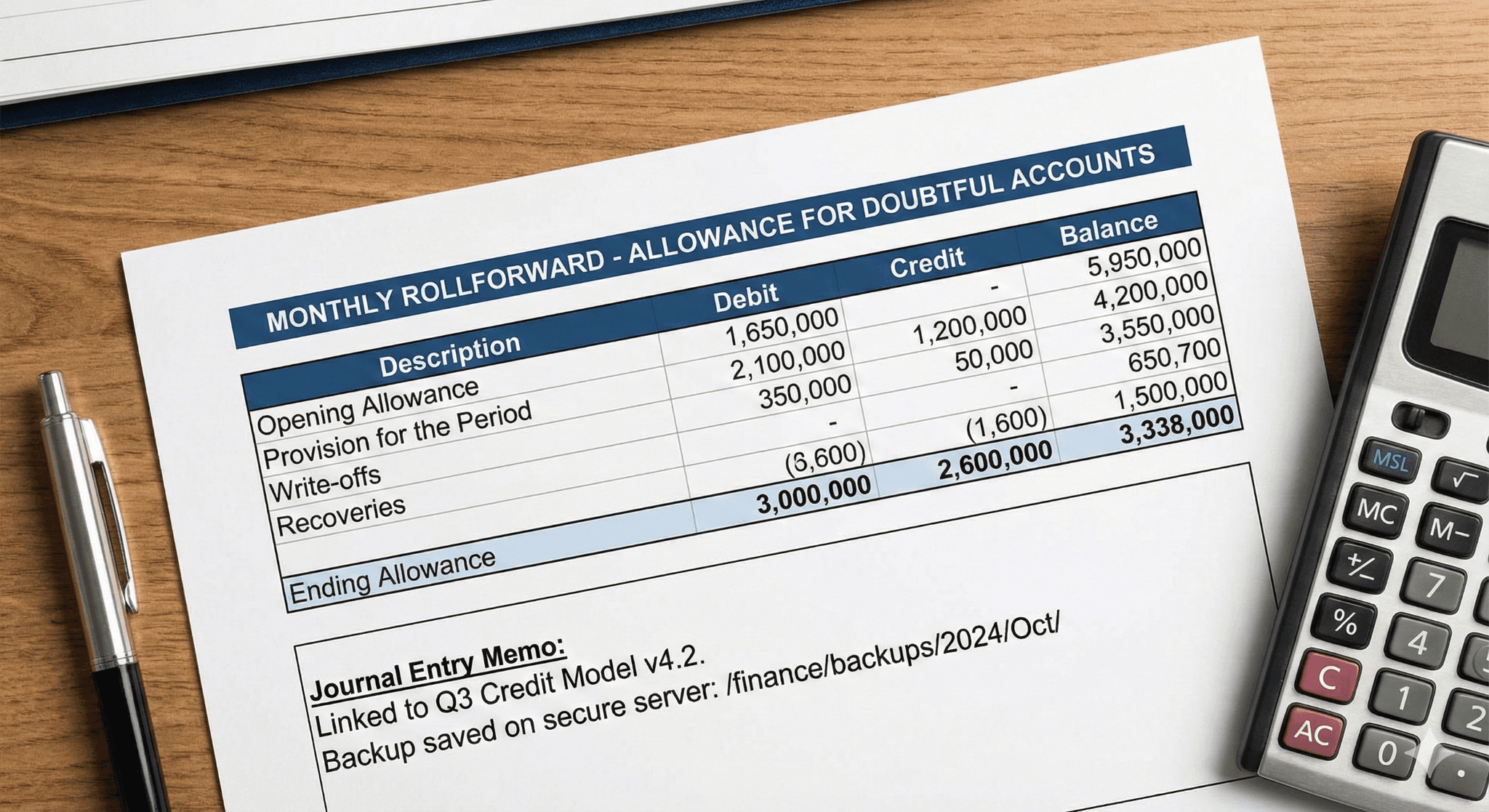
Calculate allowance and produce monthly rollforward. Output is the allowance balance and the periodic credit loss expense.
Why documentation matters: Auditors expect support for segmentation, assumptions and the forward-looking adjustments you make. Keep a narrative linked to the numbers.
3. QuickBooks Online mechanics: GL mapping, journals, and monthly rollforwards
GL layout
Allowance for Credit Losses (contra A/R) — Balance Sheet contra asset account. Create this in QuickBooks Online chart of accounts.
Credit Loss Expense — P&L account for periodic provision.
Common journal patterns
Initial provision: Dr Credit Loss Expense; Cr Allowance for Credit Losses.
Write-off: Dr Allowance for Credit Losses; Cr Accounts Receivable (or apply credit memo).
Recoveries: Dr Cash/Bank; Cr Allowance (or Recoveries income).
4. Controls, audit trail, and disclosures
CECL is judgemental. Your control environment and documentation determine the audit outcome.
Minimum controls
Version-controlled model with change log.
Invoice-level traceability: invoice → model row → model output cell → GL journal. Keep attachments (screenshots, exports).
Approval workflow for assumptions (controller & CFO sign-off).
Monthly reconciliations between QuickBooks Online A/R and model balances.
Disclosures
ASC 326 requires rollforwards and qualitative discussion about methods and significant estimates. Prepare a narrative and schedule that auditors can follow.
5. Tooling decision: spreadsheets, FinBoard.ai, or dedicated CECL software
Option A — Excel + QuickBooks Online exports
Pros: Low cost, flexible. Good for small, simple portfolios.
Cons: Heavy manual work; risk of version control and audit issues.
Option B — FinBoard.ai as automation layer + Excel/model
Pros: Live data pulls from QuickBooks Online; automated mapping; maintainable data lineage; scheduled refreshes and version control. Reduces manual data handling and audit friction.
Cons: Requires setup; costs more than pure Excel.
Option C — Dedicated CECL software
Pros: Built for CECL, includes vintage tooling, disclosures, and regulatory reporting. Scales well for large institutions.
Cons: Expensive; overkill for many SMBs.
Recommendation for QuickBooks Online SaaS users: Start with Excel vintage/loss-rate approach. As volume and complexity grow (multi-entity, many segments, or regulator scrutiny), layer in FinBoard.ai to automate data extraction, mapping and audit trail before moving to full CECL software.
Mini-case (QuickBooks Online-centric — SaaS example)
Scenario: A small SaaS firm sells annual subscriptions. It invoices annually in advance. A/R at year-end is $1.2M. Historical write-offs average 0.8% of billed revenue. The company segments customers into SMB and enterprise. Management expects macro stress in next 12 months, so applies a 0.2% qualitative uplift to the historical rate for SMBs.
Steps taken
Extract QuickBooks Online invoices for the last 36 months. Fields: invoice_date, term, customer segment, balance.
Create vintage table by invoice month and compute historical cumulative loss percentages. Use roll-rate on 36 months.
Apply segmentation: SMB vintage loss = 0.9% (0.8% historical + 0.1% forecast); Enterprise = 0.5%.
Compute allowance: Apply segmented rates to outstanding balances to get allowance $10,800.
Post journal: Dr Credit Loss Expense $10,800; Cr Allowance for Credit Losses $10,800. Attach model output and QuickBooks Online export.
Monthly rollforward: Each month, update vintage with new write-offs and re-calculate. Keep signed approval for qualitative uplift.
Where FinBoard.ai helps
Automate invoice extraction and segmentation from QuickBooks Online.
Maintain versioned model snapshots and link each GL journal to the snapshot.
Create scheduled rollforwards and dashboards for management and audit. This reduces manual export/import risk and creates stronger evidence for auditors.
Risks & mitigations
Risk: Weak segmentation yields misleading allowance.
Mitigation: Use business rationale for segments (contract term, geography, size) and test sensitivity.
Risk: Poor data lineage (cannot trace allowance to invoices).
Mitigation: Keep invoice exports, model snapshots, and attach them to the journal entry. Use an automation layer to link artifacts.
Risk: Overreliance on one historical period.
Mitigation: Use multi-period history and adjust for forward-looking information; document the forecast inputs.
Risk: Manual spreadsheets become single-person dependencies.
Mitigation: Adopt tool controls, versioning, and role-based approvals; consider FinBoard.ai for automated extracts and workflow.
Tool / workflow comparison
Workflow | Cost | Setup time | Audit trail | Scalability | Best for |
QuickBooks Online + Excel | Low | Days | Moderate (manual) | Low | Small portfolios |
FinBoard.ai + model | Medium | Weeks | High (automated links) | Medium→High | Growing SaaS businesses |
(Pros/cons referenced to Deloitte, NCUA tool and Plante Moran examples.)
FAQ
Q1: Does CECL apply to every invoice in QuickBooks Online?
A: Not automatically. It applies to financial assets measured at amortized cost. For most businesses that includes trade receivables and contract assets unless another topic applies. Map items to ASC 326 scope.
Q2: Can I use a simple percentage on A/R balance?
A: For small portfolios a loss-rate may be acceptable if justified. The rate should be supported by history and adjusted for forward-looking info.
Q3: How frequently must I update CECL estimates?
A: At least each reporting period. Most companies update monthly or quarterly for management reporting and adjust for material changes.
Q4: How do I record write-offs in QuickBooks Online?
A: Debit Allowance for Credit Losses; credit Accounts Receivable (or apply a credit memo). Keep supporting documentation.
Q5: Is there a practical expedient for private firms?
A: FASB has considered expedients for private companies; consult professional guidance and monitor final ASU changes.
Glossary (one line each)
ASC 326 / CECL: FASB standard requiring lifetime expected credit loss allowances for eligible financial assets.
Allowance for Credit Losses: Contra asset that reduces receivables to expected collectible amount.
Vintage table: Cohort analysis by origination period to estimate lifetime losses.
Roll-rate: Percentage of receivables moving from one aging bucket to the next.
PCD (Purchased Credit Deteriorated): Assets acquired with evidence of credit deterioration at purchase; special PCD accounting applies.
References (numbered)
FASB — Effective Dates for ASC 326. FASB. fasb.org
Deloitte — CECL Implementation Insights, Jun 2025. Deloitte
NCUA — Simplified CECL Tool User Guide v1.3, Mar 2025. NCUA
QuickBooks Help — How to create an allowance for doubtful debts, Intuit. QuickBooks
BDO — CECL for Non-Financial Institutions (guide). BDO
Deloitte — CECL Roadmap (2025 edition). dart.deloitte.com
HBK CPA — ASC 326 White Paper, Jun 2024. HBK
Plante Moran — Implementing CECL using Excel (webinar). plantemoran.com
CPEA / FASB — ASC 326 FAQs, Feb 2024. Contentful Assets
KPMG — Credit impairment handbook. KPMG
RSM — Guide to accounting for investments, loans and receivables (ASC 326). RSM US
SupervisionOutreach — Scale tool / vintage templates. supervisionoutreach.or
QuickBooks Payments — Allowance article, Intuit blog. QuickBooks
Deloitte — FASB proposed ASU practical expedient (Dec 2024). dart.deloitte.com
Closing note
CECL is a control- and data-heavy requirement. QuickBooks Online will be your source ledger, not your CECL engine. Build repeatable extract → model → post processes. Start simple, document everything, and introduce automation (FinBoard.ai or similar) before your portfolio outgrows spreadsheets. Use the references above when you design your model and keep your audit trail tight. The next reporting period will be easier if you make the work auditable today.