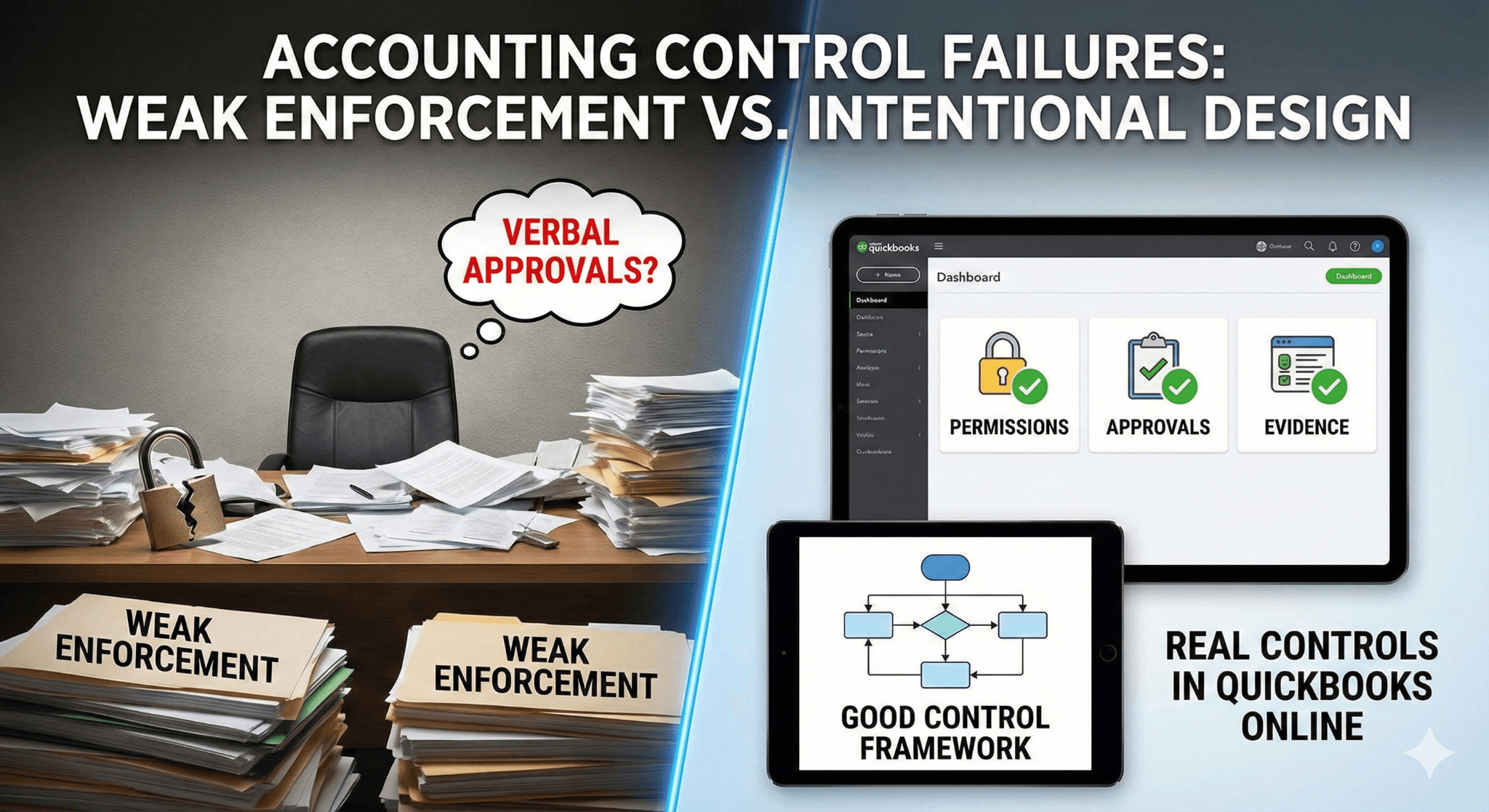
Most accounting control failures do not come from lack of process. They come from weak enforcement.
QuickBooks Online can support strong controls, but only if permissions, approvals, and evidence are designed intentionally.
Verbal approvals, missing attachments, and unchecked admin access are silent control killers.
A good control framework balances fraud prevention, accuracy, and speed, without turning the close into a nightmare.
This playbook shows how to design real controls that actually work in QuickBooks online environments.
Executive Summary
If you work in a growing SaaS or mid-market company, chances are your accounting team already has SOPs, checklists, and tools. On paper, everything looks fine. In reality, approvals happen on Slack, journal entries get posted without support, and nobody signs off on reconciliations.
That is how companies end up with audit issues, surprise adjustments, and uncomfortable board questions.
This article walks through how to design a robust internal control framework for the accounting function that works in the real world. It is built for QuickBooks Online Advanced users, aligned with US GAAP, and designed for teams that want both control and speed.
We will cover segregation of duties, authorization, documentation, monitoring, and risk assessment. More importantly, we will show how these controls actually operate day to day. No theory. No buzzwords. Just practical controls that hold up under scrutiny.
Why Internal Controls Break in Real Life
Most teams do not fail because they do not know what controls are. They fail because controls are not enforced.
Here are the most common patterns seen in QuickBooks Online heavy environments:
Too many admin users
Approvals given verbally and never documented
Journal entries posted without attachments
Payroll and benefits reconciled but never reviewed
Everyone can edit invoices after issuance
Audit logs exist but nobody looks at them
None of these feel dangerous in isolation. Together, they create a control environment where errors and fraud can hide easily.
The goal of a strong internal control framework is simple:
Make it hard to do the wrong thing and easy to prove the right thing was done.
The Control Philosophy That Actually Works
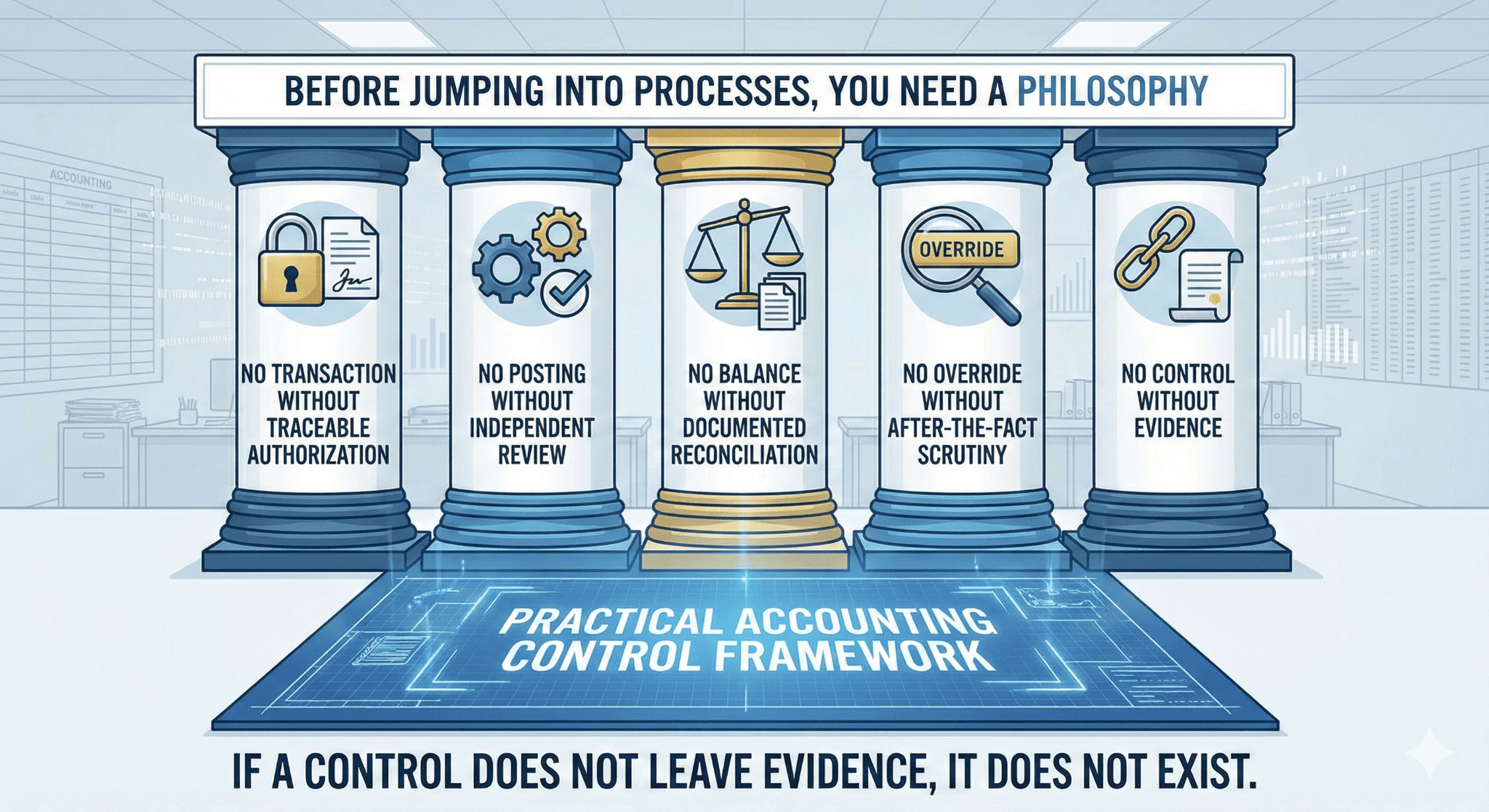
Segregation of Duties: Lock It In, Do Not Assume It
Many teams say they have segregation of duties because they have enough people. That is only half the story.
Segregation must be designed, enforced, and visible.
A Practical Segregation Matrix
In a well-designed accounting function, duties are split like this:
Activity | Prepare | Approve | Post | Reconcile | Review |
Vendor setup | AP | Accounting Director | — | — | Controller |
Bill entry | AP | FP&A Head | AP | — | Controller |
Payment run | AP | FP&A Head | — | Bank | Controller |
Payroll posting | Payroll system | GL Lead | GL | Clearing | Controller |
Journal entries | GL | Accounting Director | GL | — | Controller |
Bank reconciliations | GL | — | GL | GL | Controller |
The key rule is simple:
Nobody reviews their own work.
Even in teams with ten people, this rule is violated more often than anyone admits.
QuickBooks Online Reality Check
QuickBooks Online makes it easy to break segregation accidentally. Admin access overrides everything.
Best practice:
Limit Admin users to two, maximum
Everyone else uses custom roles
Invoice deletion rights should be restricted
Journal entry posting should be role-based
This alone eliminates a surprising number of risks.
Authorization Controls: Verbal Approval Is Not Approval
Verbal approvals are convenient. They are also invisible.
From a control perspective, a verbal approval that leaves no record might as well not exist.
What Authorization Should Look Like
For each transaction type, define:
Who can approve
Approval thresholds
Acceptable approval format
For example:
Transaction | Approver | Evidence |
Manual JE | Accounting Director | Email or system log |
Vendor creation | Controller | Vendor request form |
Payment run | FP&A Head | AP system approval |
Credit memo | Controller | Approval email |
Email approvals are acceptable. System approvals are better. Slack approvals are risky unless captured.
If an auditor cannot see it, it did not happen.
Revenue and AR Controls That Actually Matter
Revenue controls in QuickBooks Online usually break in two places: invoice editing and manual journals.
Invoice Integrity
In many setups, anyone with QuickBooks Online access can edit an invoice after issuance. That is dangerous.
Recommended controls:
Restrict invoice edit rights
Disable invoice deletion
Require credit memos for corrections
Log and review invoice changes monthly
Revenue should move forward through credit memos, not backward through edits.
Manual Revenue Journals
Manual journals are sometimes necessary, especially for deferred revenue or corrections. They must be controlled tightly.
Best practice:
Manual revenue journals require Director approval
Support must be attached
Monthly review of all revenue-related JEs
This is where errors quietly enter financials.
AP and Disbursement Controls: Where Cash Leaks Happen
AP is one of the highest fraud-risk areas in any company.
Vendor Master Controls
Strong AP control starts before the first bill is entered.
Minimum vendor onboarding requirements:
W-9 collected
Independent verification completed
Controller approval for setup
Monthly duplicate vendor review
Vendor changes should follow the same process as vendor creation.
Payment Controls
A clean payment workflow looks like this:
AP prepares payment proposal
FP&A Head and Accounting Director approve
Payment is released through AP automation
Controller reviews bank activity
Overrides must be logged and reviewed. Emergency payments are acceptable. Unreviewed emergency payments are not.
Payroll and Benefits: High Risk, Low Visibility
Payroll and benefits rarely cause issues day to day. When they do, the impact is large.
Why Payroll Clearing Exists
Payroll clearing is often misunderstood, even by experienced accountants.
Here is the logic:
Payroll expense is recognized when employees earn it
Cash leaves the bank later
Payroll clearing temporarily holds the liability
You debit payroll clearing, not expense, when ADP pulls cash because the expense was already recorded.
If you expense payroll on cash pull:
Accrual accuracy breaks
Expenses shift between periods
Audit trails weaken
Clearing accounts force discipline.
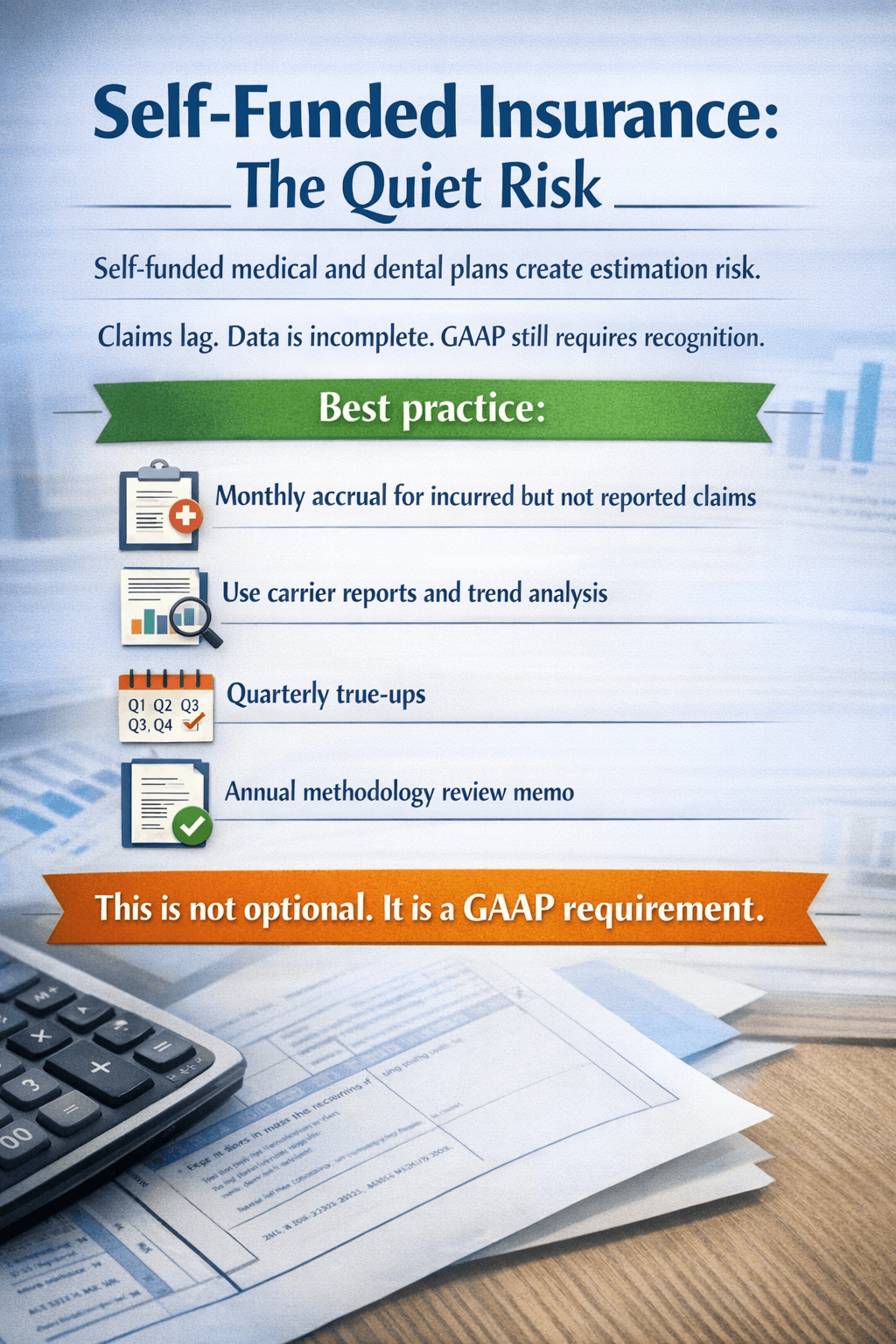
GL and Close Controls: Where Everything Comes Together
The monthly close is where control design shows its strength or weakness.
Journal Entry Controls
Every journal entry should answer three questions:
Why was this entry needed?
Who approved it?
What evidence supports it?
Controls:
GL prepares
Accounting Director approves
Controller reviews monthly JE listing
Attachments are mandatory
Verbal approval breaks this chain.
Reconciliations and Review
A reconciliation without evidence of review is unfinished work.
Minimum requirements:
Prepared monthly
Reviewed monthly
Signed or acknowledged digitally
Differences explained
If a balance is material, the reconciliation must be reviewable by someone else.
Documentation: The Control Everyone Undervalues
Documentation is not about bureaucracy. It is about memory.
Six months later, someone else should be able to understand what happened without asking questions.
Documentation Standards
Item | Requirement |
Bills | Invoice attached |
Journal entries | Support file attached |
Approvals | Email or system record |
File naming | Standard format |
Consistency matters more than perfection.
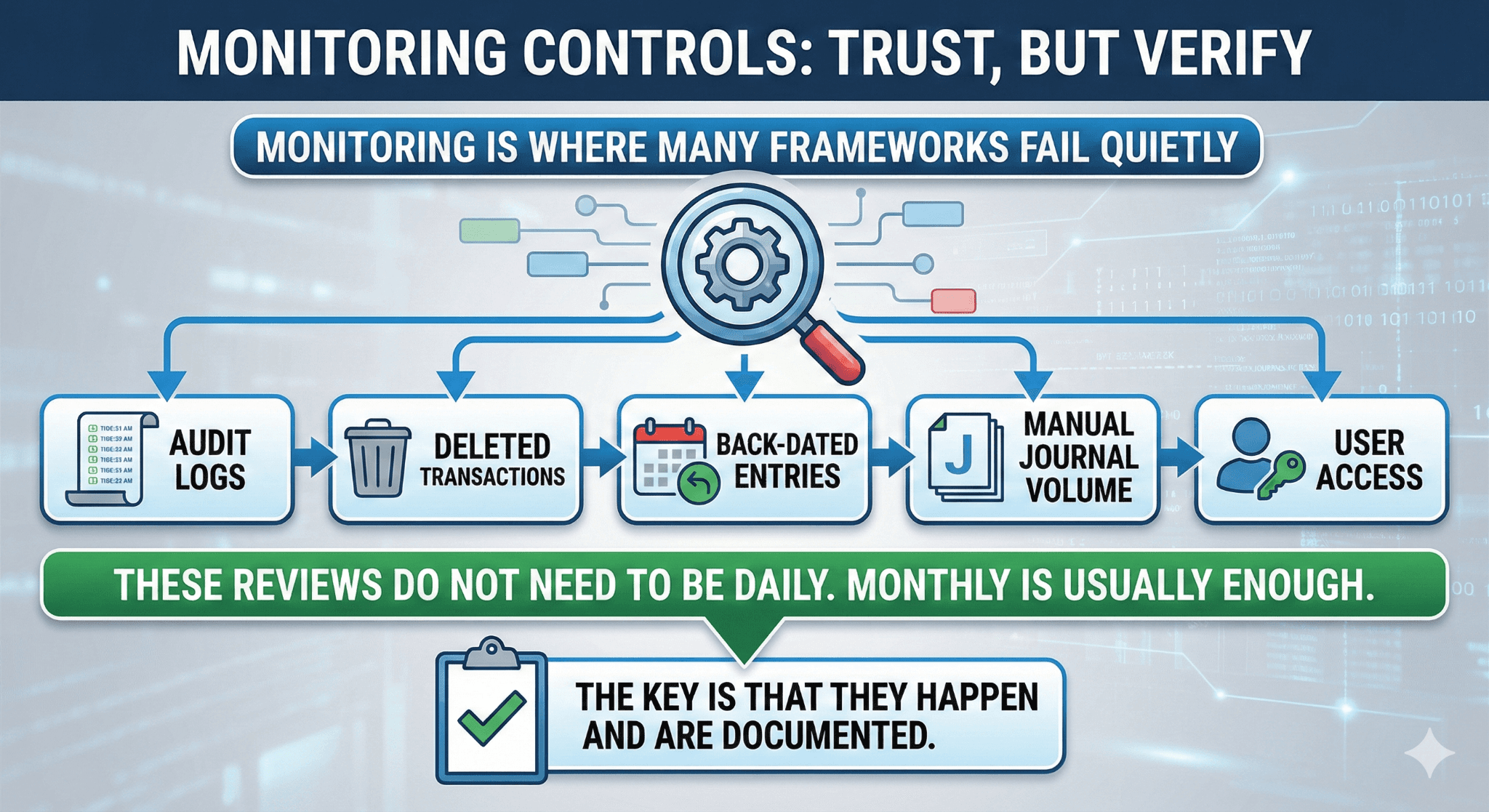
Monitoring Controls: Trust, but Verify
Monitoring is where many frameworks fail quietly.
What to Monitor Regularly
Audit logs
Deleted transactions
Back-dated entries
Manual journal volume
User access
These reviews do not need to be daily. Monthly is usually enough. The key is that they happen and are documented.
Risk Assessment: The Missing Control
Many teams never formally reassess risk. They assume yesterday’s controls still work today.
That assumption fails when:
New benefit plans launch
New revenue models appear
Payment methods change
Headcount scales
An annual risk assessment forces the accounting function to think forward, not backward.
Mini Case: Self-Funded Benefits Done Right
Imagine medical claims spike in March, but invoices arrive in April.
Without accruals:
March expenses are understated
Liabilities are missing
April looks artificially expensive
With controls:
Claims trend reviewed
Accrual adjusted
Entry approved and documented
Financials remain clean
That is the difference between reactive accounting and controlled accounting.
Final Thought
Strong internal controls are not about slowing teams down. They are about removing uncertainty.
When controls are clear, enforced, and documented, accounting becomes calmer. Audits become predictable. Decisions become easier.
That is what a good control framework delivers.
.