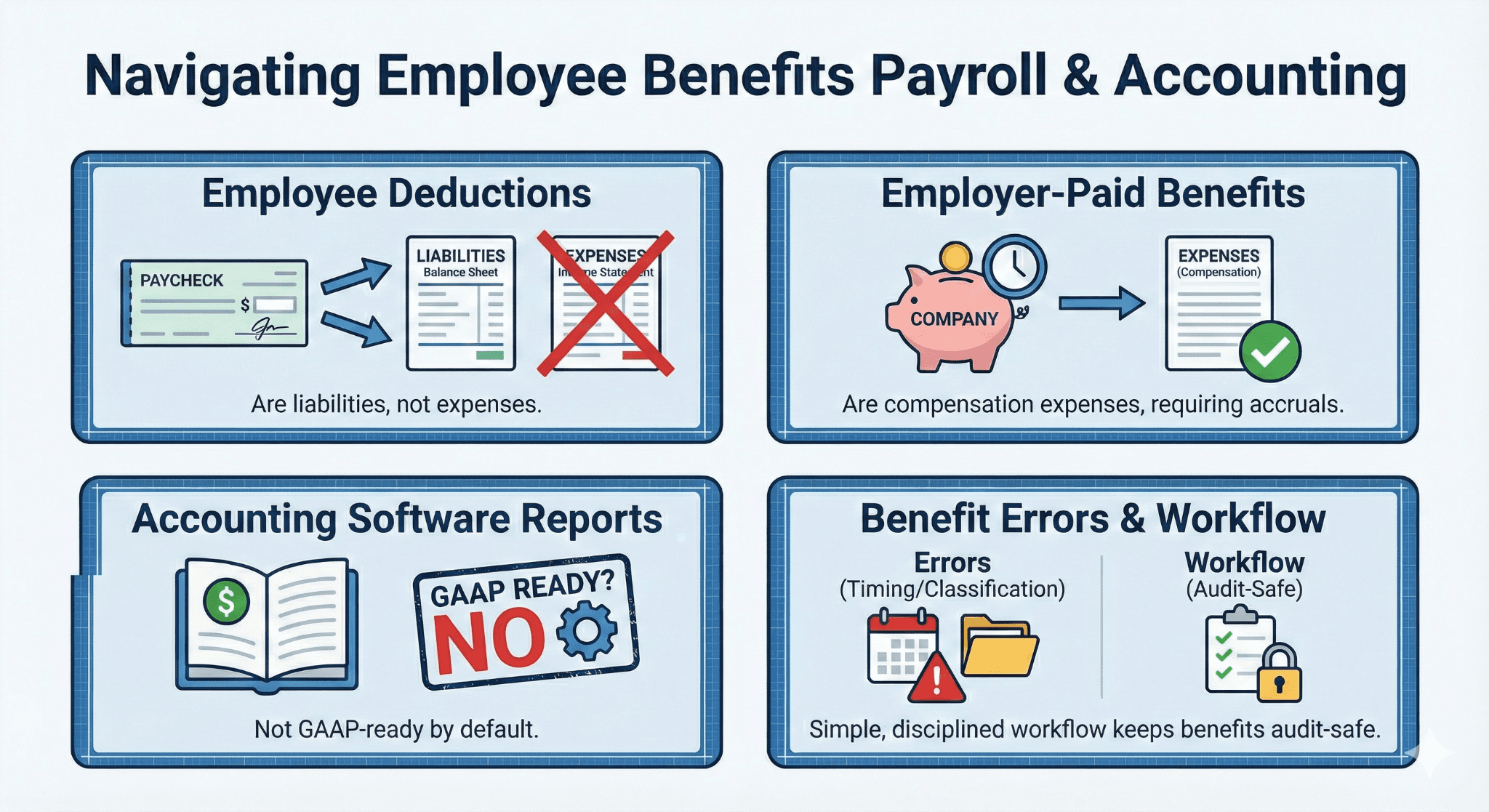
Employee benefit deductions are liabilities, not expenses.
Employer-paid benefits are compensation expenses, often requiring accruals.
QuickBooks payroll reports are not GAAP-ready by default.
Most benefit errors come from timing and classification, not math.
A simple, disciplined workflow keeps benefits audit-safe.
Executive Summary
Employee benefits accounting is where otherwise clean QuickBooks files quietly go wrong. Payroll runs correctly, paychecks are accurate, and vendors get paid. Yet the financial statements tell a different story. Expenses are overstated. Liabilities drift. Controllers lose confidence in payroll numbers.
The root cause is simple. QuickBooks Online payroll is built for payroll compliance, not US GAAP financial presentation. Payroll reports mix employee deductions with employer costs. The system does not explain which amounts are expenses and which are liabilities. Accountants are expected to know the difference and fix it.
.
This article explains how benefit accounting should work, how QuickBooks actually posts benefits, where users go wrong, and how to fix it without overcomplicating the books.
Why Employee Benefits Are a Problem Area in QuickBooks
QuickBooks Online does many things well. Payroll calculations, tax filings, and payment workflows are strong. Financial reporting for complex payroll items is not the focus.
Payroll screens answer operational questions:
What is the net pay?
What taxes are owed?
What deductions were taken?
US GAAP answers different questions:
What costs belong to the company?
What amounts are owed to third parties?
Which period should recognize the expense?
QuickBooks does not bridge that gap. It assumes accountants will.
The danger is subtle. Payroll reports look authoritative. Totals look like expenses. Many users assume posting them directly to the general ledger is correct. That assumption is the source of most benefit accounting errors.
The US GAAP Framework for Employee Benefits
Before touching QuickBooks, it helps to reset the accounting logic.
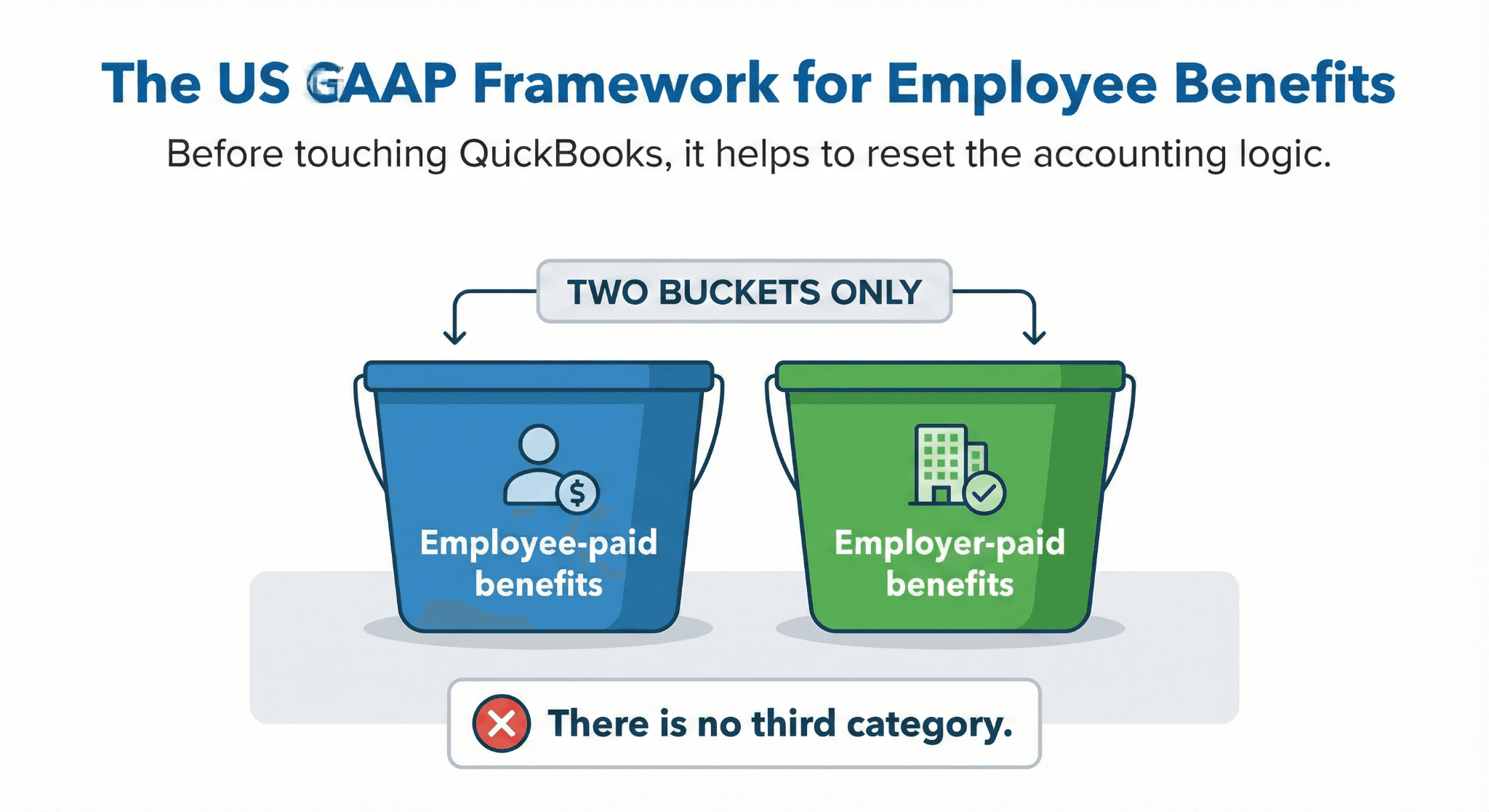
Two Buckets Only
Every benefit-related amount falls into one of two categories:
Employee-paid benefits
Employer-paid benefits
There is no third category.
Employee-Paid Benefits (Not an Expense)
Examples include:
Employee health insurance deductions
Employee retirement contributions
Voluntary benefit deductions
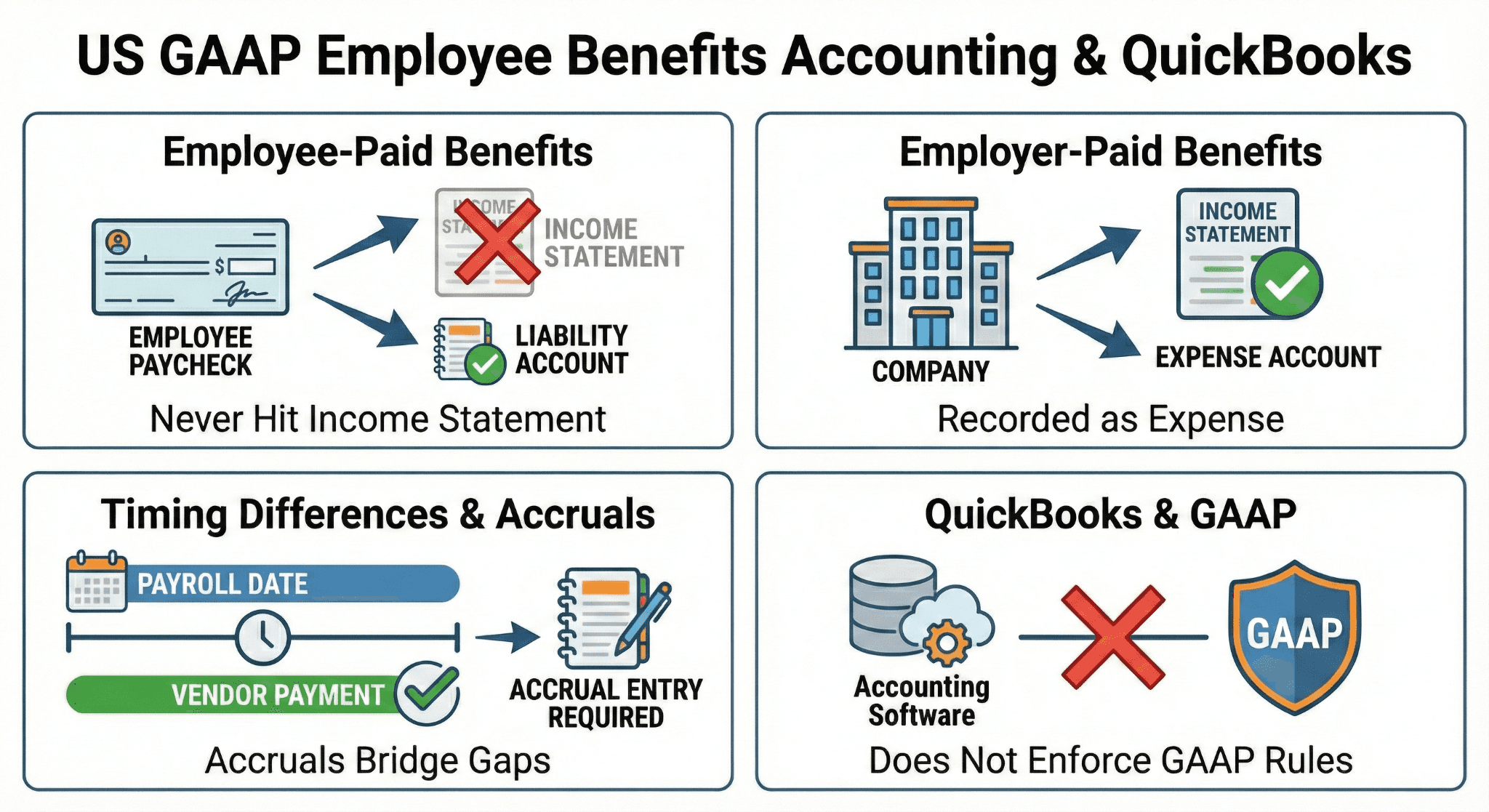
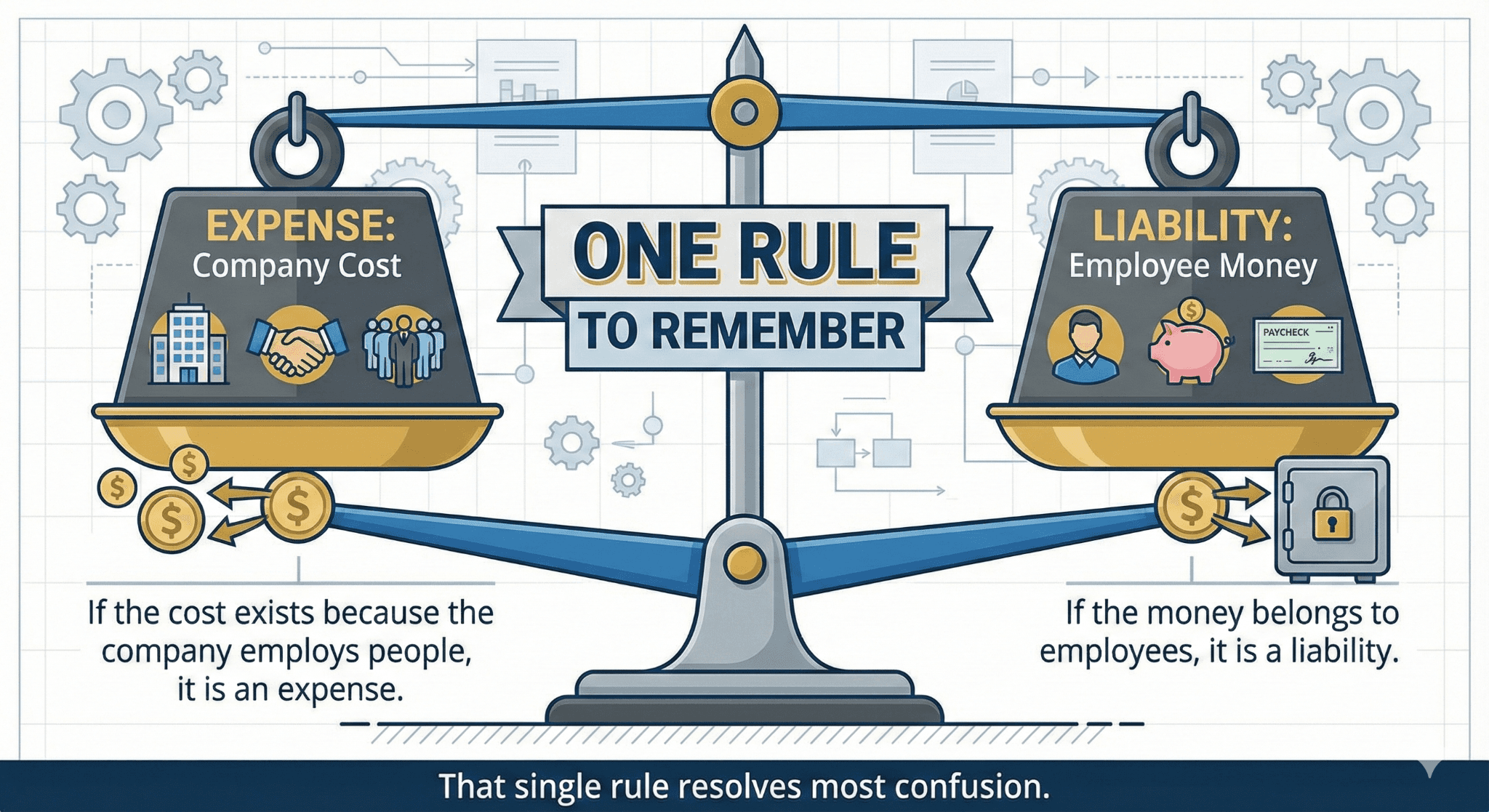
From a GAAP perspective, this money never belongs to the company. The company is temporarily holding it before remitting it to a provider.
Correct treatment:
Credit a liability account when deducted from payroll
Debit the liability when paid to the provider
These amounts should never touch the income statement.
Employer-Paid Benefits (An Expense)
Examples include:
Employer portion of health insurance
Employer retirement match
Employer-paid life or disability insurance
These are part of total employee compensation.
Correct treatment:
Debit benefit expense
Credit cash or a liability, depending on payment timing
If the benefit relates to services already rendered, the expense belongs in that period, even if paid later.
How QuickBooks Payroll Actually Posts Benefits
QuickBooks payroll processes benefits correctly for paychecks and tax filings. Accounting classification is secondary.
Common QuickBooks behaviors include:
Combining employee and employer amounts in summary reports
Posting payroll items directly to expense accounts
Paying benefit providers outside the payroll transaction
None of these violate payroll rules. All of them can violate GAAP presentation if left unadjusted.
QuickBooks does not stop you from misclassifying benefits. It assumes you will review the output.
The Most Common Mistake: Expensing Everything
The most frequent error looks like this:
Export payroll summary.
See total benefits number.
Post the entire amount to benefit expenses.
This overstates expenses and understates liabilities.
Auditors see this immediately. Controllers feel it when payroll costs fluctuate inexplicably.
The fix is not complicated. It just requires separating what belongs to whom.
Setting Up the Right Accounts in QuickBooks
You do not need a complex chart of accounts. You need clear separation.
Minimum Accounts
At a minimum, set up:
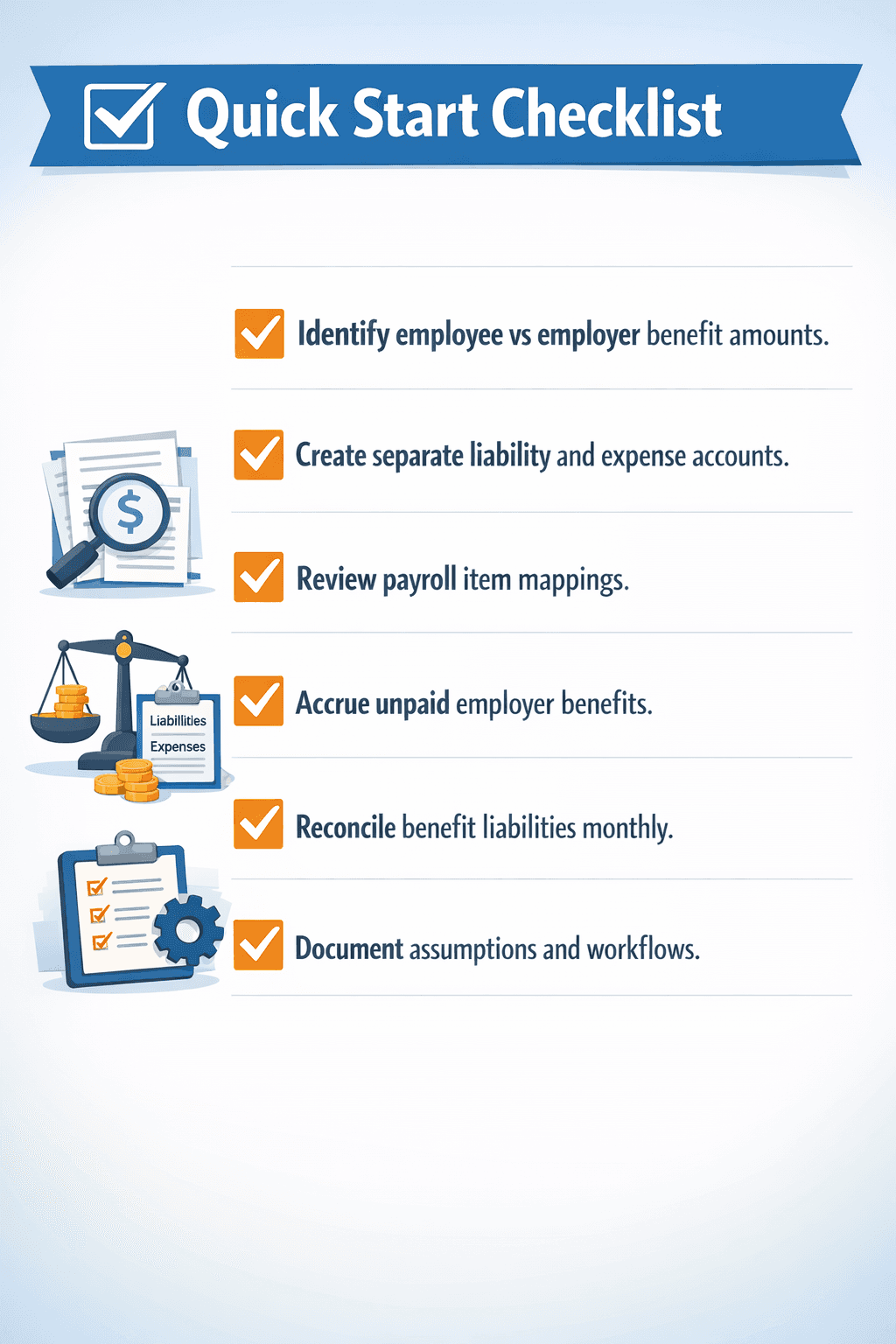
Employee Benefits Payable (liability)
Employer Benefits Expense (expense)
Optional, but helpful:
Health Insurance Payable
Retirement Contributions Payable
Clarity beats granularity.
Reviewing Payroll Item Mapping
Payroll items drive how QuickBooks posts transactions.
Key checks:
Employee deductions should credit liability accounts.
Employer contributions should debit expense accounts.
Default mappings should not be trusted blindly.
Many payroll items default to expense accounts for convenience. That convenience often conflicts with GAAP.
Spend time here once. It saves time every month.
Timing Differences: Where Accruals Matter
Benefits are often paid after payroll.
Example:
Payroll date: March 28
Health insurance payment date: April 5
Under GAAP, the expense belongs in March.
Correct treatment at March close:
Debit benefit expense
Credit benefit payable
When payment occurs in April:
Debit payable
Credit cash
QuickBooks payroll does not do this automatically. Month-end review must.
Reconciling Benefit Liabilities Each Month
If benefit liabilities are not reconciled, errors compound quietly.
Best practice:
Run payroll liability reports
Compare to general ledger liability balances.
Investigate differences monthly.
Unreconciled benefit liabilities are a red flag in audits and due diligence.
Why Payroll Reports Are Not GAAP Schedules
Payroll reports are operational documents. They answer payroll questions, not financial reporting questions.
Problems with using payroll reports as-is:
Employee deductions included in totals
No separation by accounting treatment
Cash basis presentation by default
Payroll reports are inputs. Accounting entries are outputs. Confusing the two leads to misstatements.
Mini-Case: Manufacturing Company With Rising Benefit Costs
Background
A 75-employee manufacturer saw benefit expense increase faster than headcount.
Investigation
Payroll summaries were posted directly to expenses.
Finding
Employee deductions were included in benefit expense.
Fix
Reclassified employee portion to liability. Adjusted prior periods.
Result
Benefit expense aligned with expectations. Controller confidence restored.
Nothing about payroll changed. Only accounting treatment did.
Handling Employer Benefits Paid Outside Payroll
Some employers pay benefits directly, not through payroll.
Examples:
Annual insurance premiums
One-off wellness programs
Correct approach:
Record expense in the period incurred
Accrue if payment timing differs
Do not route through payroll if no payroll deduction exists
QuickBooks support often suggests consulting an accountant here. This is why.
Avoiding Double Counting of Employer Contributions
A subtle but common issue:
Payroll posts employer benefit expense.
Payment to provider is coded to expense again.
This doubles the cost.
Correct approach:
Payroll posts expense and liability.
Provider payment clears the liability.
Expense should occur once.
Controller-Level View: What Matters Most
Controllers care about three things:
Accuracy
Consistency
Defensibility
Benefit accounting affects all three.
A clean benefit workflow:
Stabilizes operating margins
Prevents audit adjustments
Improves forecasting accuracy
Payroll accuracy alone is not enough.
Tool and Workflow Comparison
Workflow | Setup Effort | Accuracy | Audit Readiness |
Payroll totals only | Low | Low | Low |
Payroll + journal entries | Medium | High | High |
Spreadsheet tracking | Medium | Medium | Low |
The middle option wins in most SMB environments.
Risks and Mitigations
Risk: Overengineering
Some SMBs do not need detailed benefit schedules.
Mitigation:
Match complexity to reporting needs.
Risk: Treating Payroll as Accounting
Payroll systems process payments. They do not decide GAAP treatment.
Mitigation:
Always review payroll output through an accounting lens.
Risk: Ignoring Timing
Benefits paid later still belong in the service period.
Mitigation:
Accrue consistently.
Frequently Asked Questions
Are employee benefit deductions ever expenses?
No. They are liabilities until remitted.
Does QuickBooks Online enforce GAAP rules?
No. It provides flexibility, not enforcement.
Do small companies need to do this?
Yes, if they issue GAAP financials.
Will auditors check benefit accounting?
Almost always.
Can this be automated fully?
Not today. Review is required.
Glossary
Employee Withholding
Amounts deducted from employee pay and owed to third parties.
Employer Contribution
Benefit cost borne by the company as compensation.
Accrual Accounting
Recognizing expenses when incurred, not when paid.
Payroll Liability
Amounts owed but not yet remitted.